Remove a background in one tap. Brush away a photobomber. Sharpen a small photo to 4×. Drop yourself into a new scene, or turn a still into a short video. Then finish with 42 filters that actually look considered.
Nothing leaves your phone until you tap one of these, and we ask first.
Separates your subject cleanly — hair, fur and soft edges included, not just the easy outlines.
Brush over something you don't want. It's removed and what was behind it is reconstructed, not smeared.
Up to 4× the resolution on an old or small photo, without the waxy look upscalers usually leave.
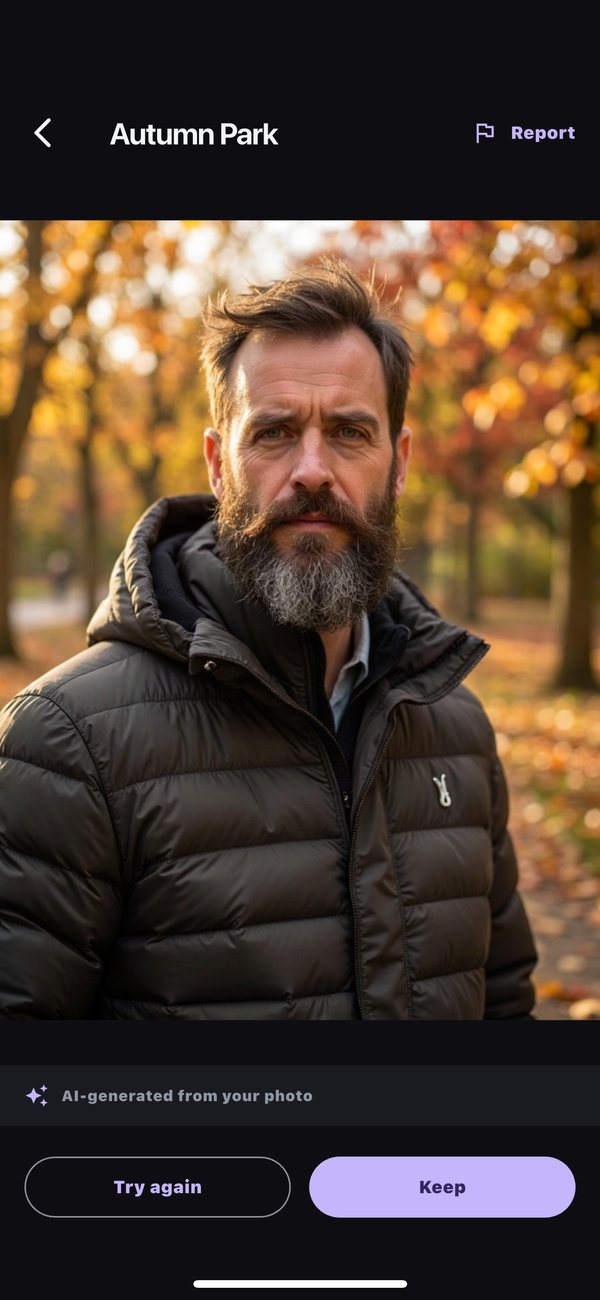
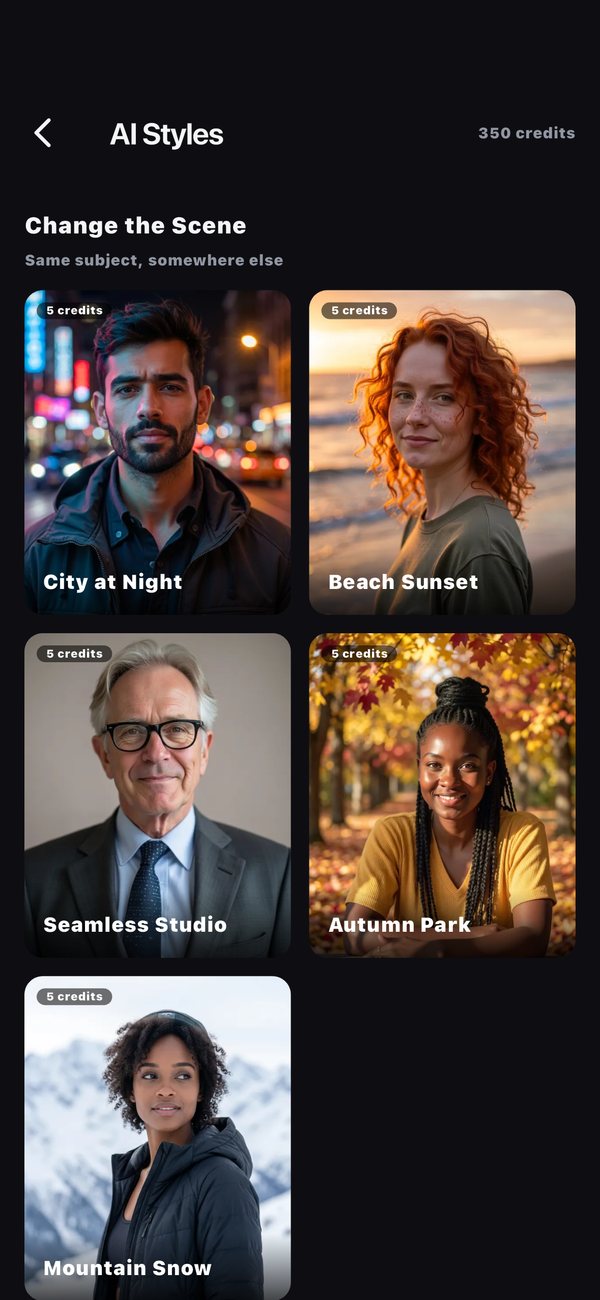
Over 60 curated looks — new scenes, seasons, eras and art styles. Built to keep the person in your photo looking like themselves.
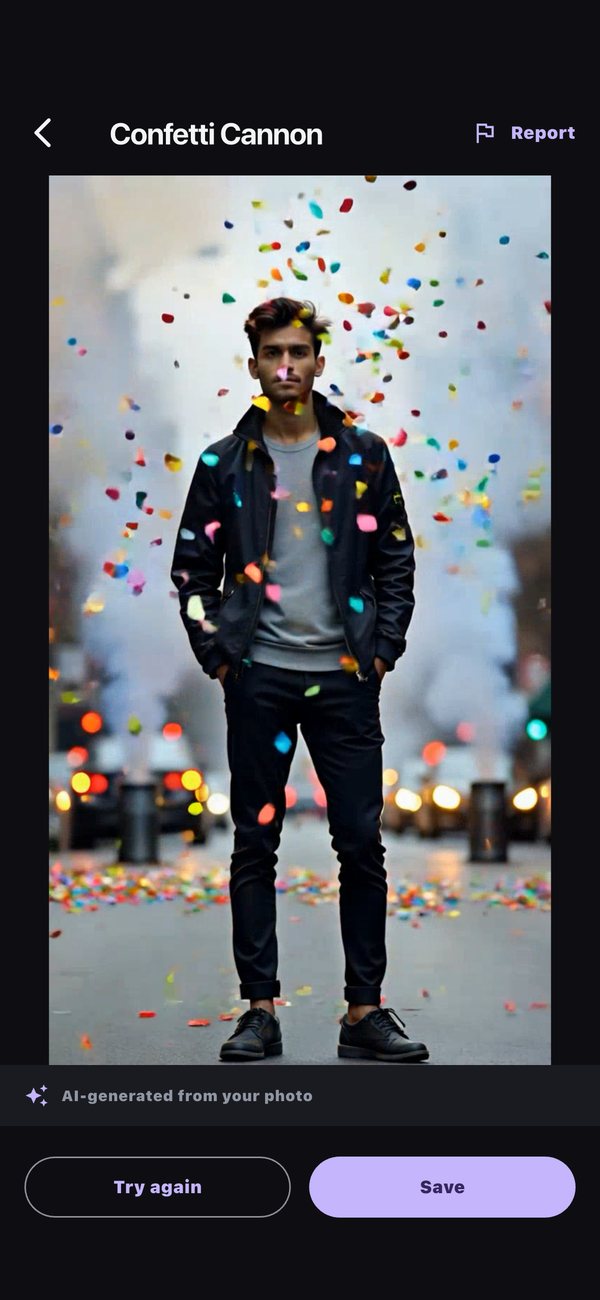
Turn a photo into a five-second clip, from over 50 curated motion presets. It keeps rendering if you leave the screen.
Every style is a preset we've written and tested. No face swap, and nothing built to pass someone off as someone else.
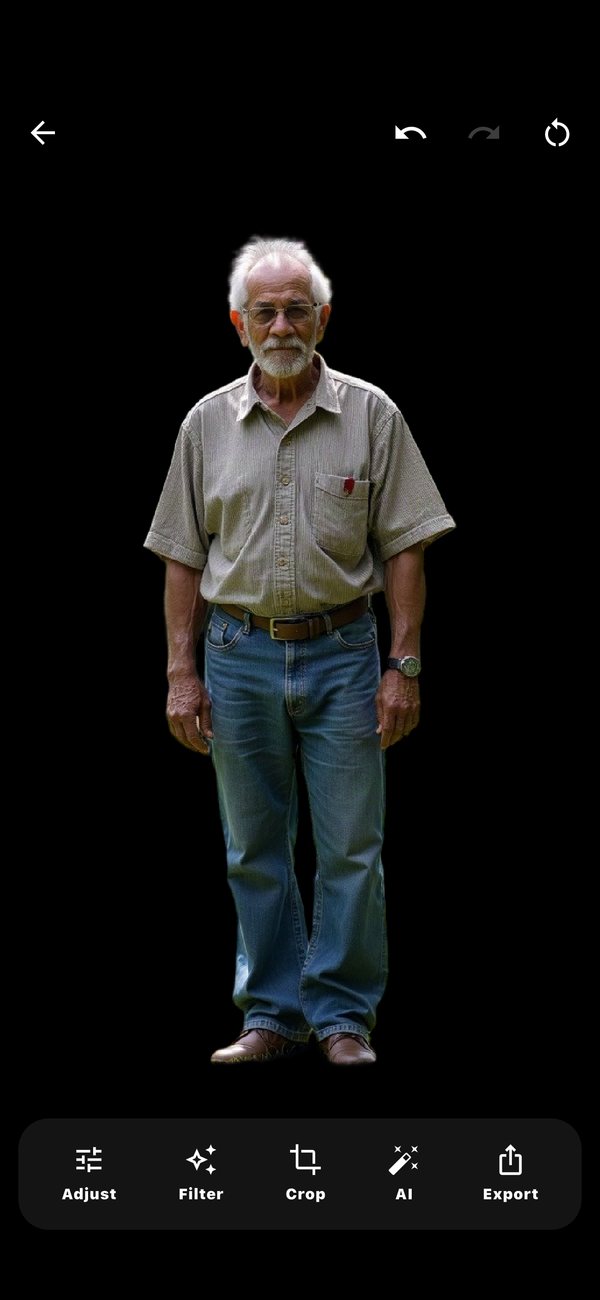
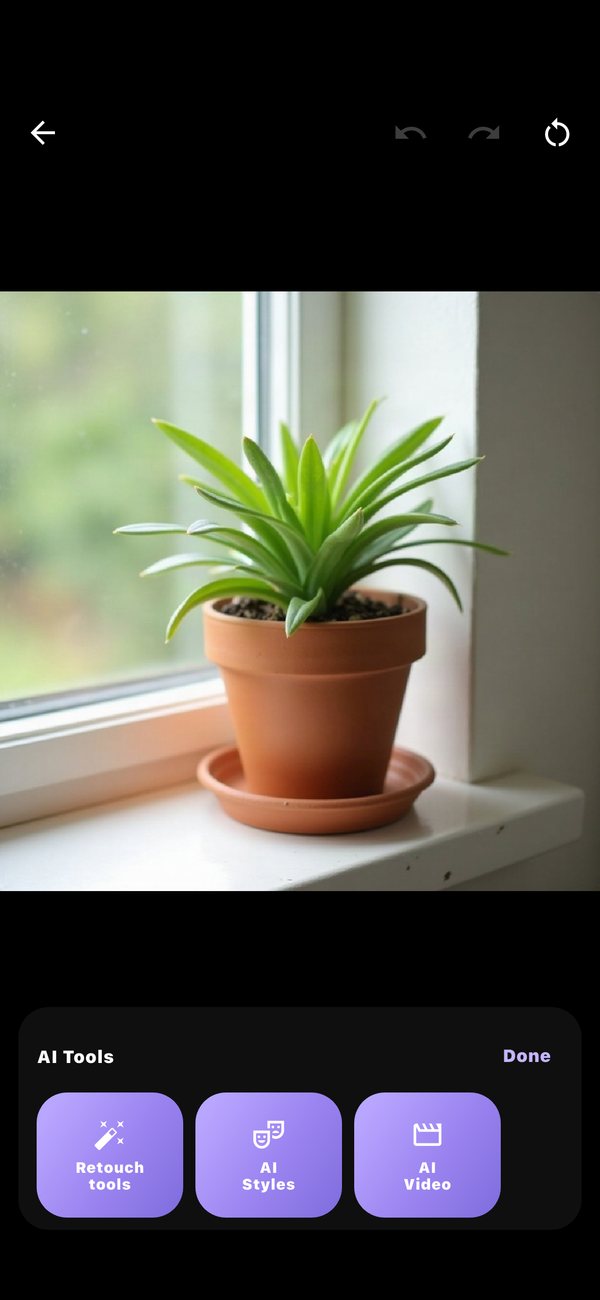
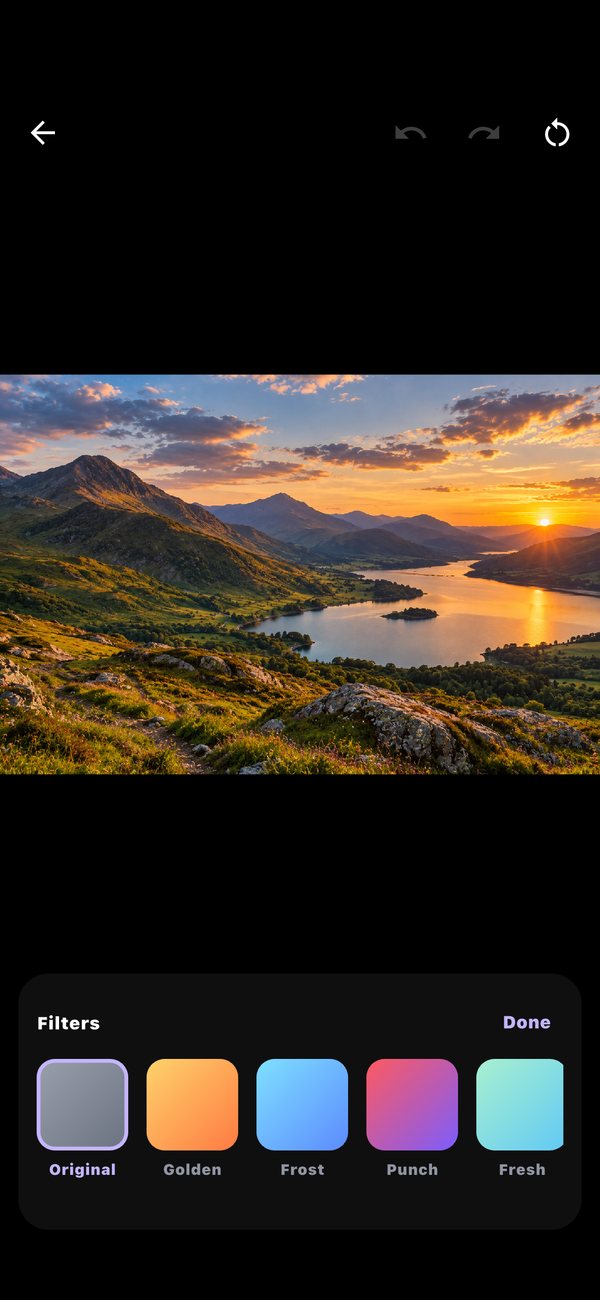
A full set of adjustments and 42 filters, all rendered on your device's GPU, so every change is instant, nothing is uploaded, and no account is needed.
Each AI tool costs a set number of credits, shown before you use it. Spend them however you like — plans differ only in how many you get. If something fails, you aren't charged.
Prices shown in US dollars; the App Store shows the price in your currency before you buy. Credits refill each billing period and don't roll over. Cancel any time in the App Store — no countdown timers, no five-step cancellation.
Ordinary editing never leaves your phone. When you choose an AI tool, that one image is sent for processing and the result comes straight back. We don't store it, we don't train on it, and we don't do facial recognition. Every AI result is labelled as AI-generated, and can be reported from the result itself.